SSH Putty CAC
Guide to Using MS CAPI with Putty-CAC
Secure Shell (SSH) is a cryptographic network protocol for securely operating network services over an unsecured network. The most well-known application example is for remote user login to computer systems.
SSH provides a secure channel over an insecure network in a client-server architecture, connecting an SSH client application with an SSH server. Common applications include remote command-line login and remote command execution, but any network service can be secured with SSH.
Putty-CAC is a software based on Putty, which is an SSH terminal. The version used in this guide is 0.76.
Environment configuration
-
Install the HSM client. It can be downloaded from Downloads.
-
Configure CSP using DINAMOcon.
-
To use Putty-CAC you need to enable CNG. To do this, DINAMOcon must be run with administrative elevation. Once open, click on Local configuration and then on the MS CAPI menu. Check CNG Enabled and apply the configuration.
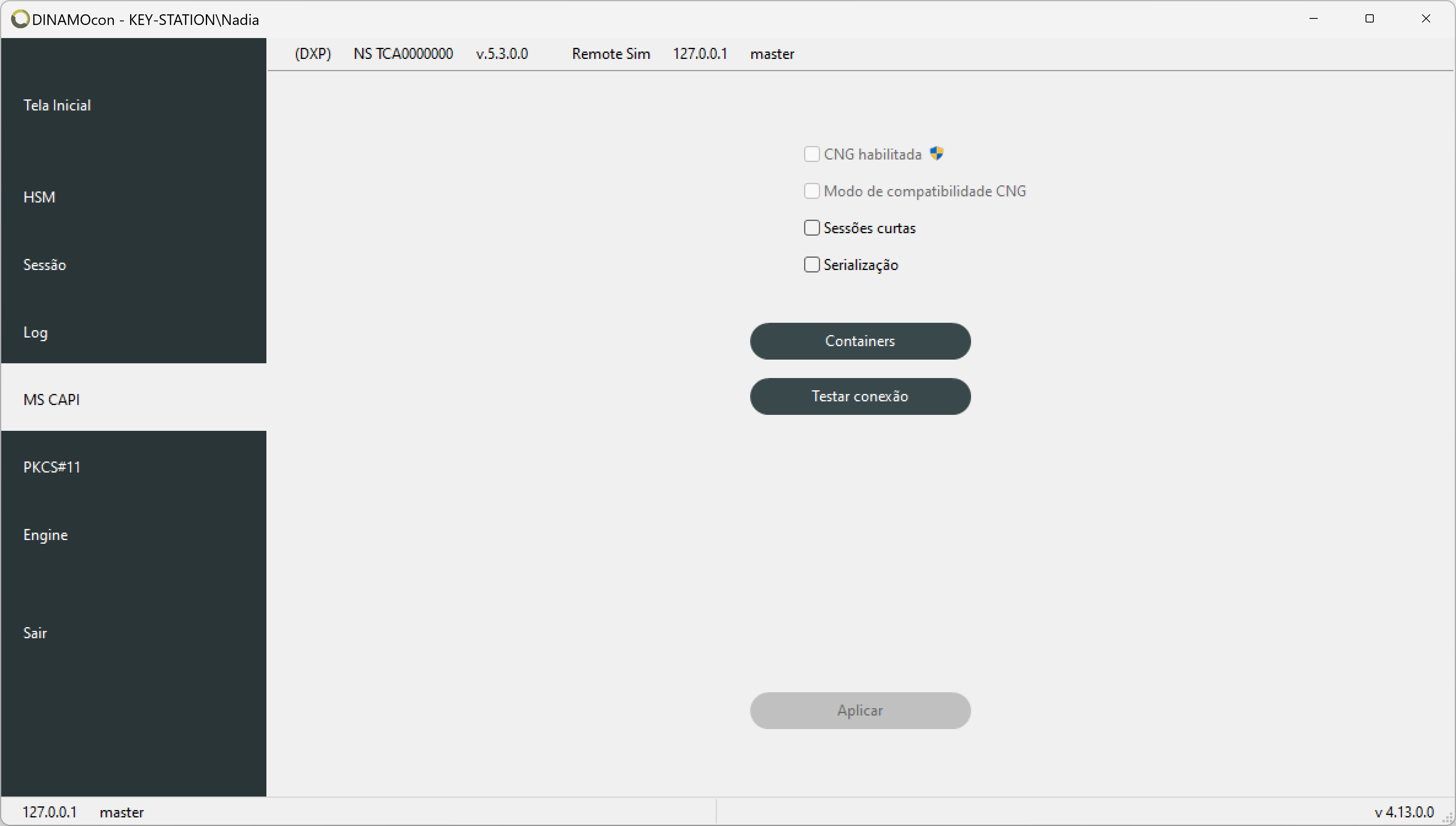
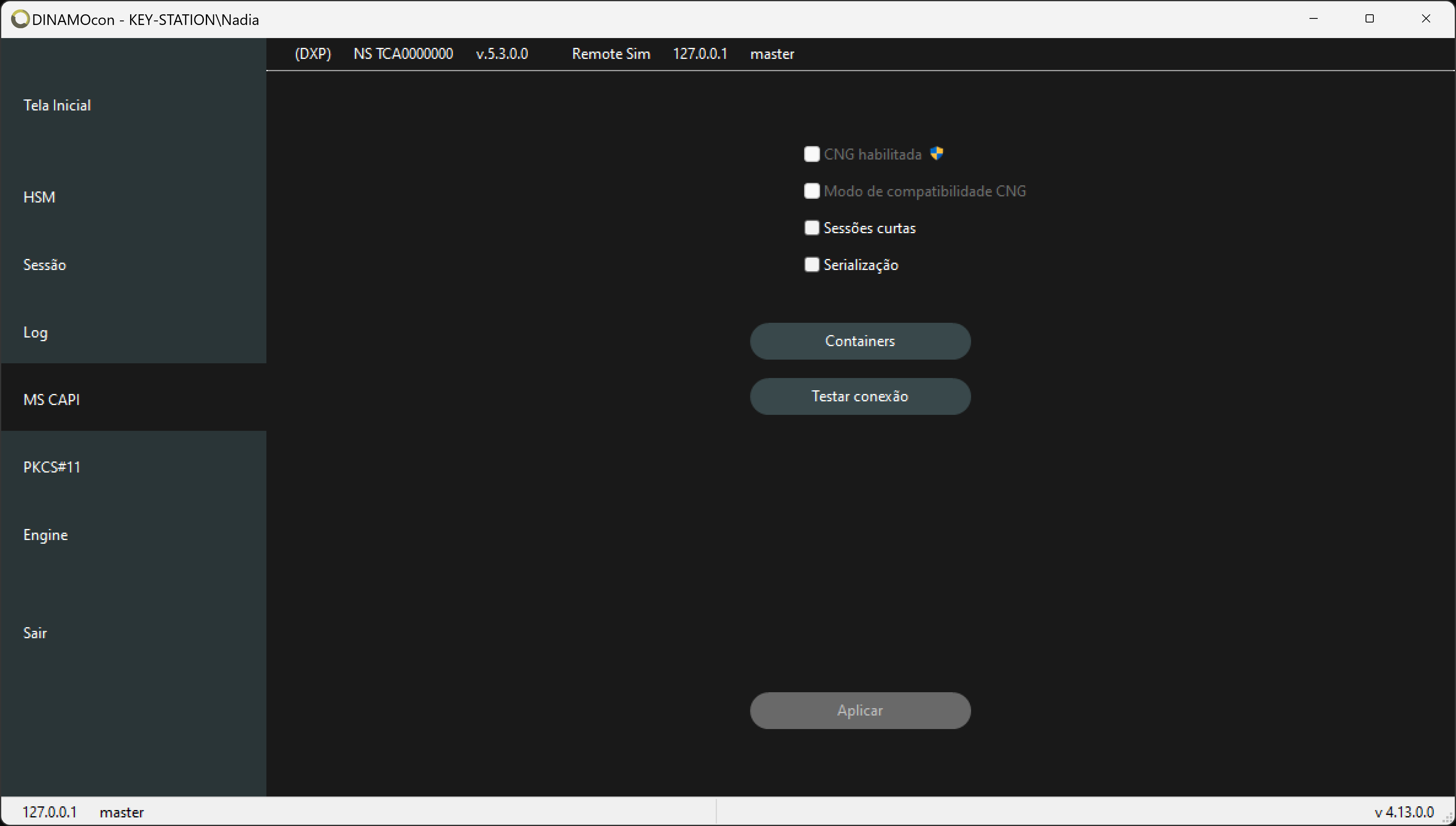
MS CAPI parameters -
First, open the DINAMOcon certificates tab: on the home screen, select Certificates and then click on the Certificates menu. Verify if the certificate to be used is enabled in Windows; if not, right-click and enable it.
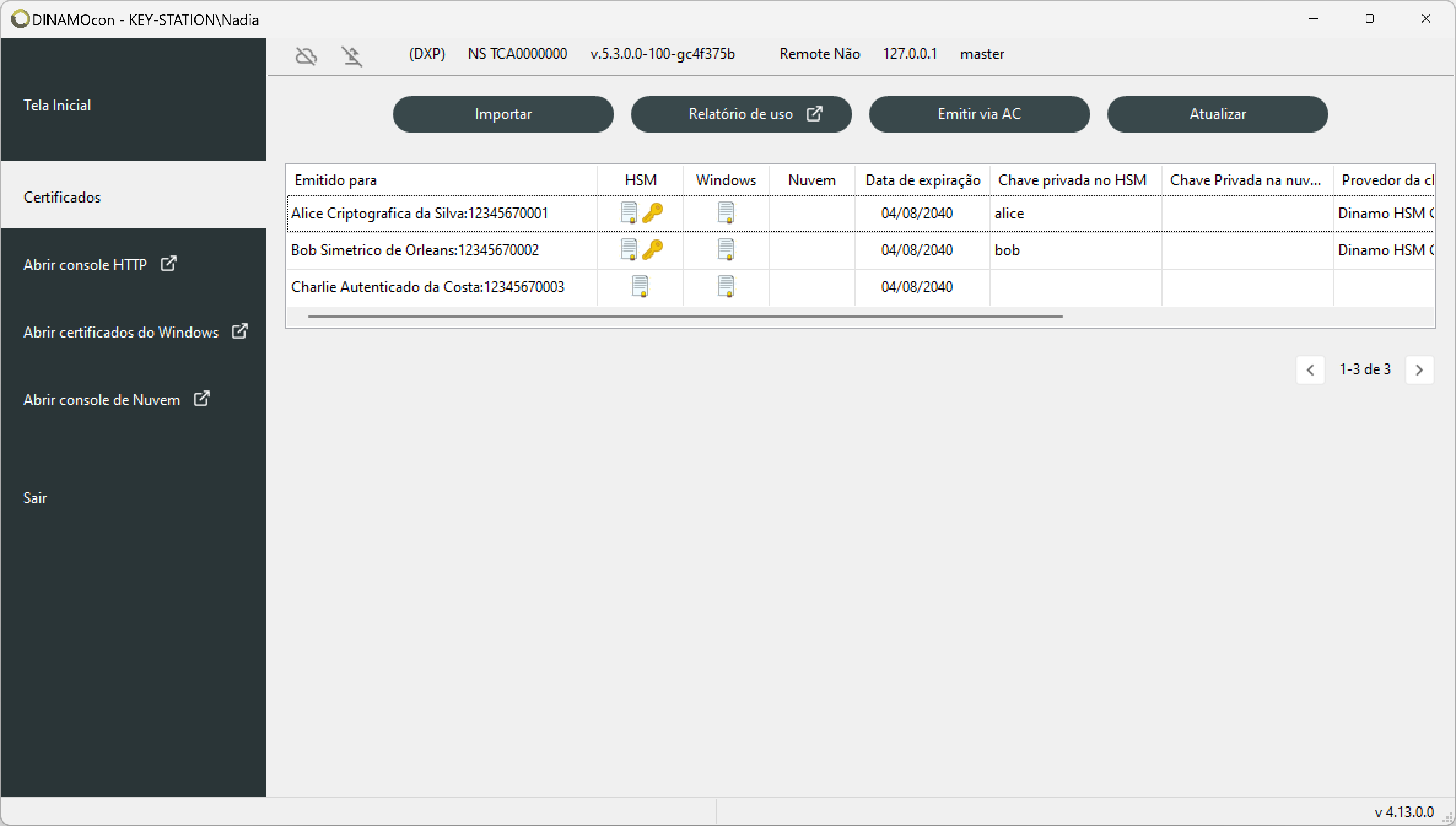
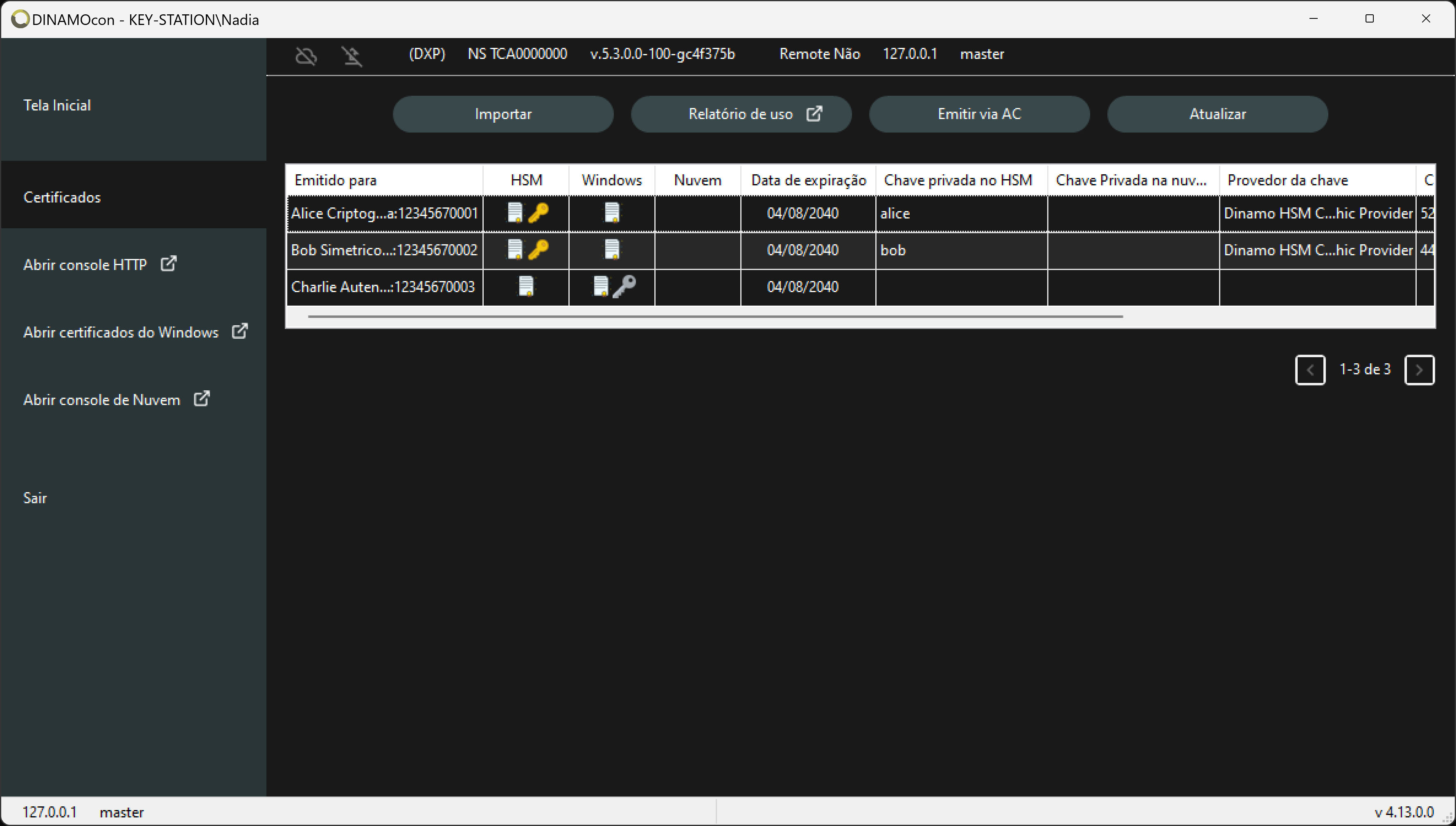
Table of certificates -
Configure Putty-CAC.
-
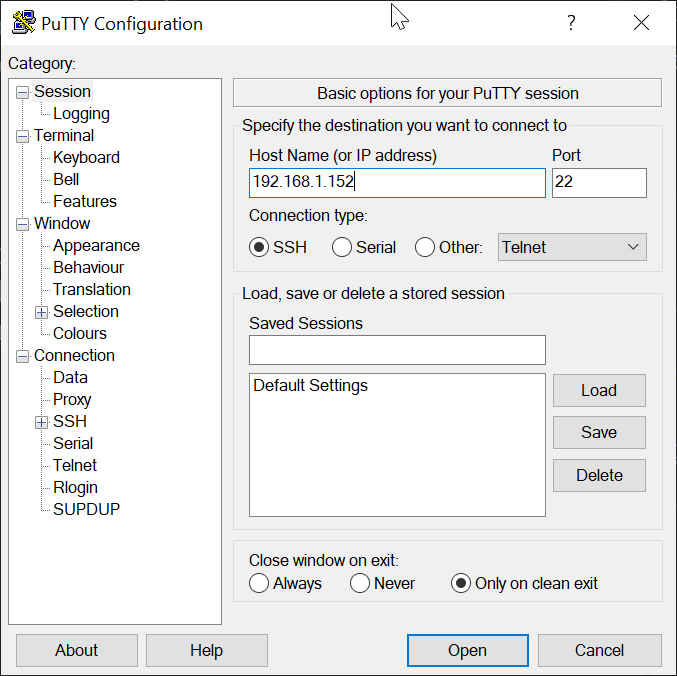
After opening the program, fill in the IP/port
-
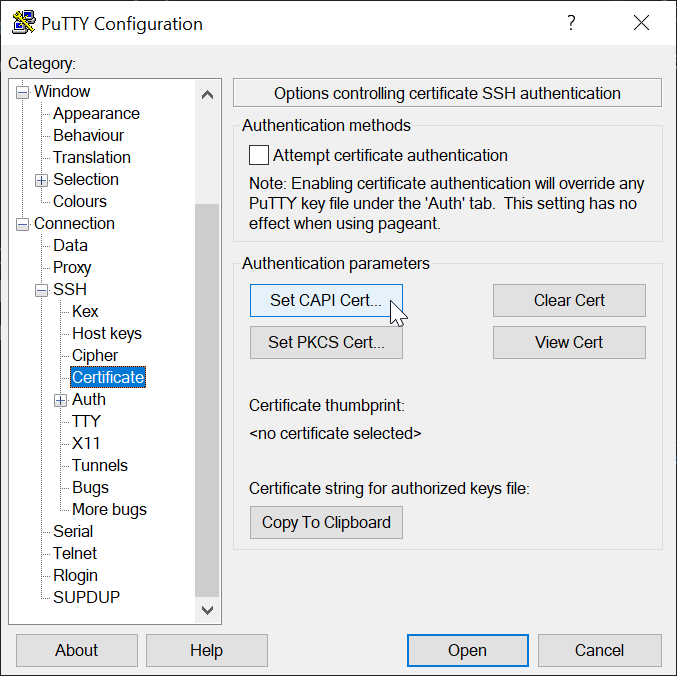
Open the Connection -> SSH -> Certificate menu, then click the Set CAPI Cert button and choose the certificate to be used.
-
For authentication, the public key must be on the target server. To facilitate this, there is a button to copy the key in the correct format. Click Copy to Clipboard and paste it into the authorized_keys file on the server.
-
The destination server must also be configured correctly, the SSH service usually comes with public key authentication disabled and you need to enable it; to do this, simply edit the
sshd_configfile and add the line:PubkeyAuthentication yes