SSH OpenSSH
Guide to Using OpenSSH with PKCS11
Secure Shell (SSH) is a cryptographic network protocol for securely operating network services over an unsecured network. The most well-known application example is for remote user login to computer systems.
SSH provides a secure channel over an insecure network in a client-server architecture, connecting an SSH client application with an SSH server. Common applications include remote command-line login and remote command execution, but any network service can be secured with SSH.
OpenSSH is a remote access tool that uses the SSH protocol. Installation instructions for Windows can be found here.
Environment configuration
-
Install the HSM client (minimum version 4.7.10). This can be downloaded.
-
Configure PKCS11 using DINAMOcon.
-
To use OpenSSH, you need to configure the user/password and ip in the PKCS11 tab of DINAMOcon's Local Configuration. After opening DINAMOcon, click on Environment Configuration and then on the PKCS11 menu. Fill in the fields and apply the configuration.
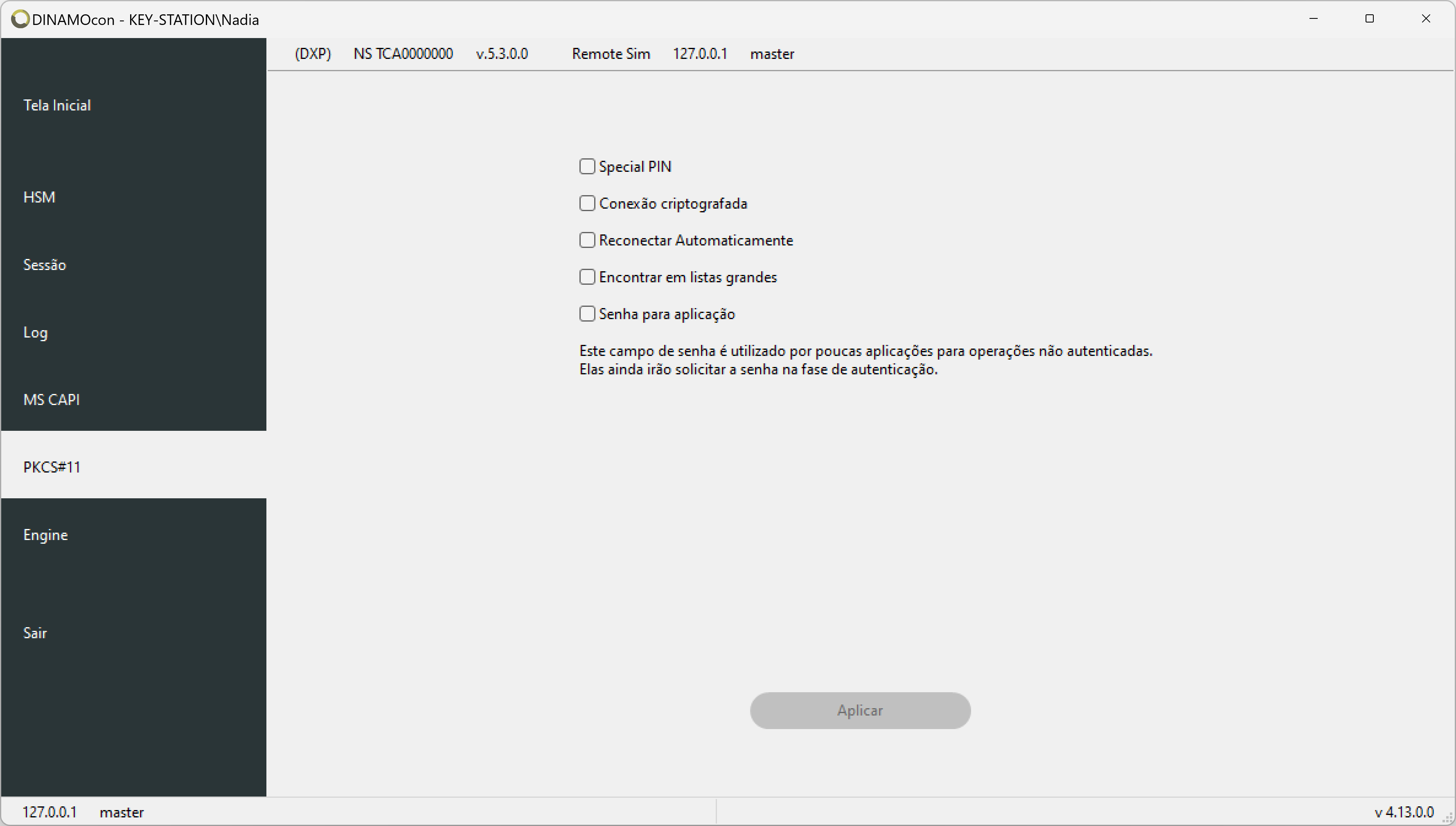
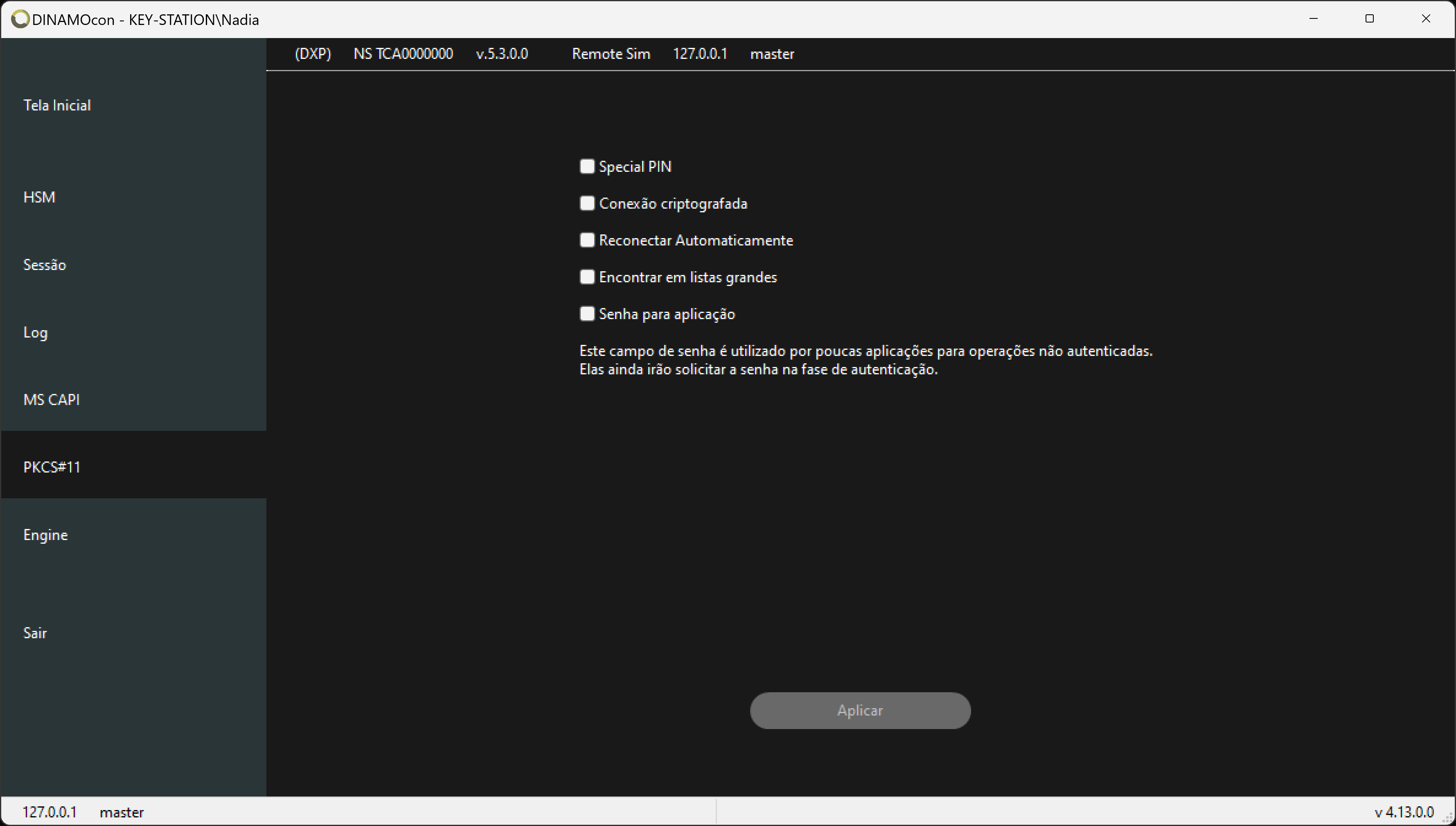
PKCS#11 tab -
Certificates in the HSM must be associated with a key; if the certificate was not imported by DINAMOcon, you may need to create this association. The key and certificate must also have the correct names; the certificate must have the same name as the key with the suffix_cer. To create the association, simply open the certificate table by going to Certificates on the home screen and then clicking the Certificates menu.
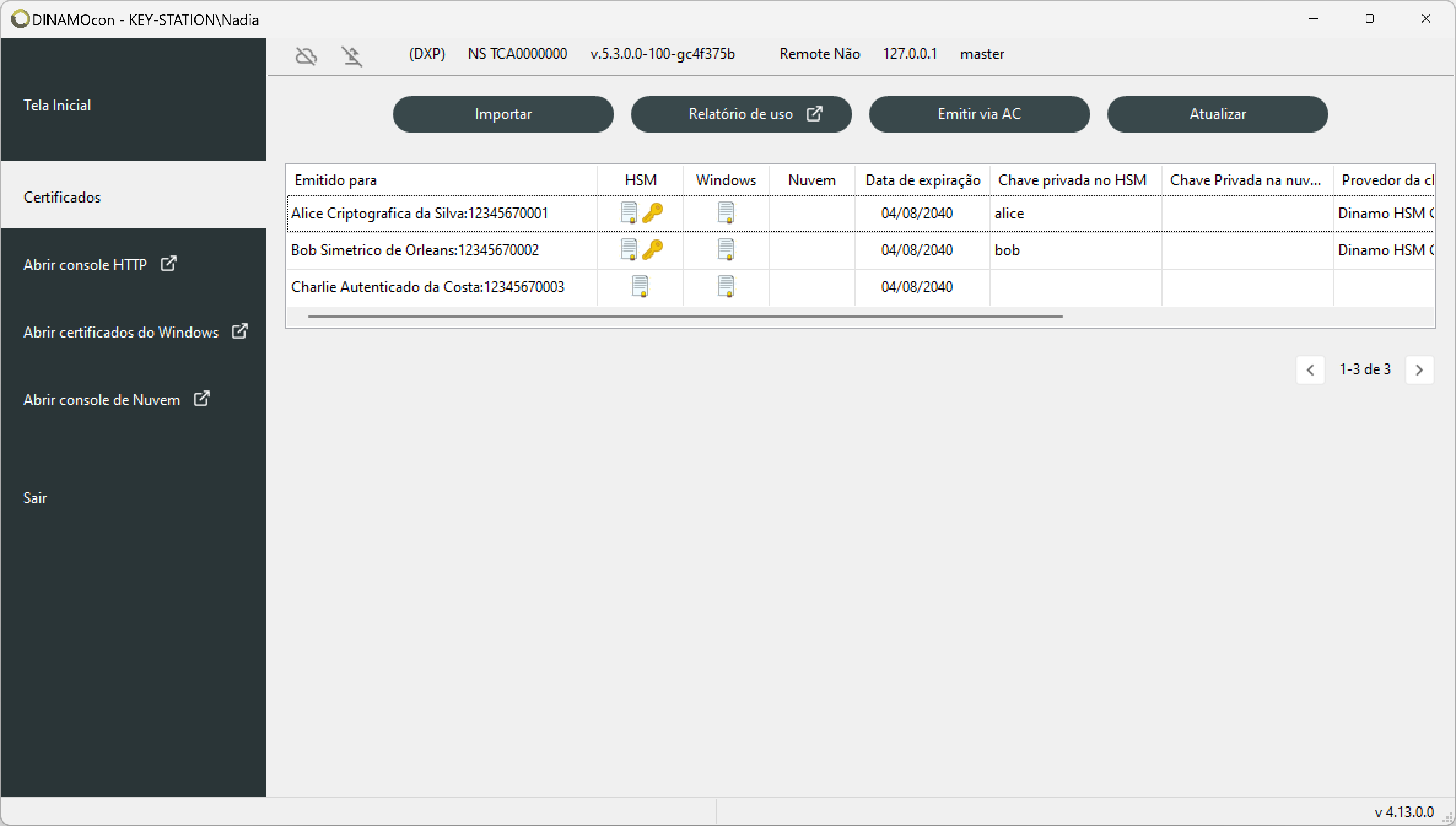
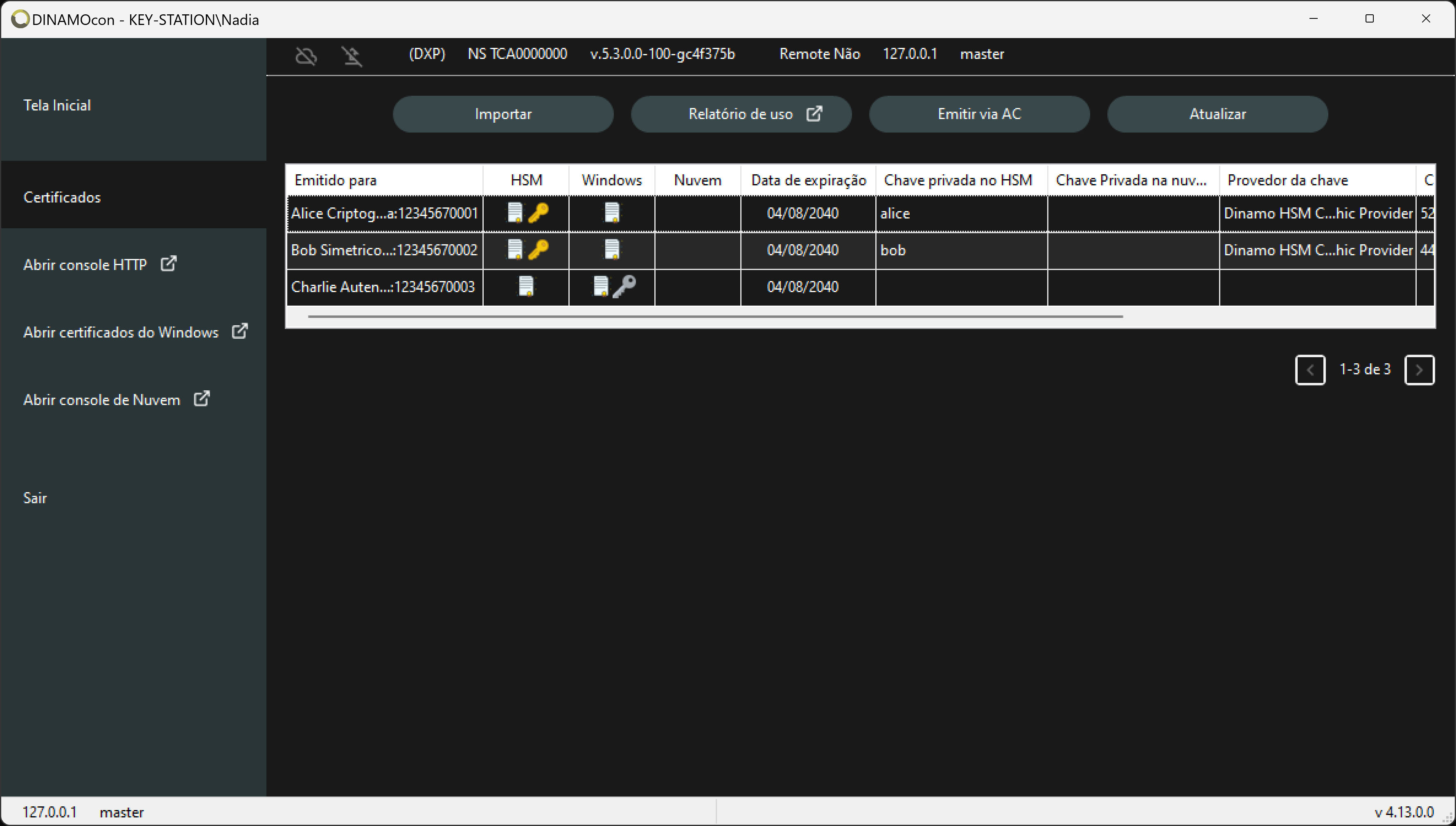
Table of certificates
Using OpenSSH
To use OpenSSH, simply open a prompt and use the command:
ssh -I c:\diretorio_da_biblioteca\tacndp11.dll
By default the library is installed in the path:
C:\Program Files\Dinamo Networks\HSM Dinamo\sdk\c