e-CAC
The IRS e-CAC portal is a secure environment where you can use dozens of services for taxpayers.
The website can be accessed at: https://cav.receita.fazenda.gov.br/
Minimum requirements
To use e-CAC with HSM DINAMO you need to:
- Client installation DINAMO (4.5.0 or higher)
- ICP-Brasil Certificates
Configuring DINAMOcon
-
Open DINAMOcon, on the home screen choose Local Configuration, and configure the IP address, HSM user name and password parameters.
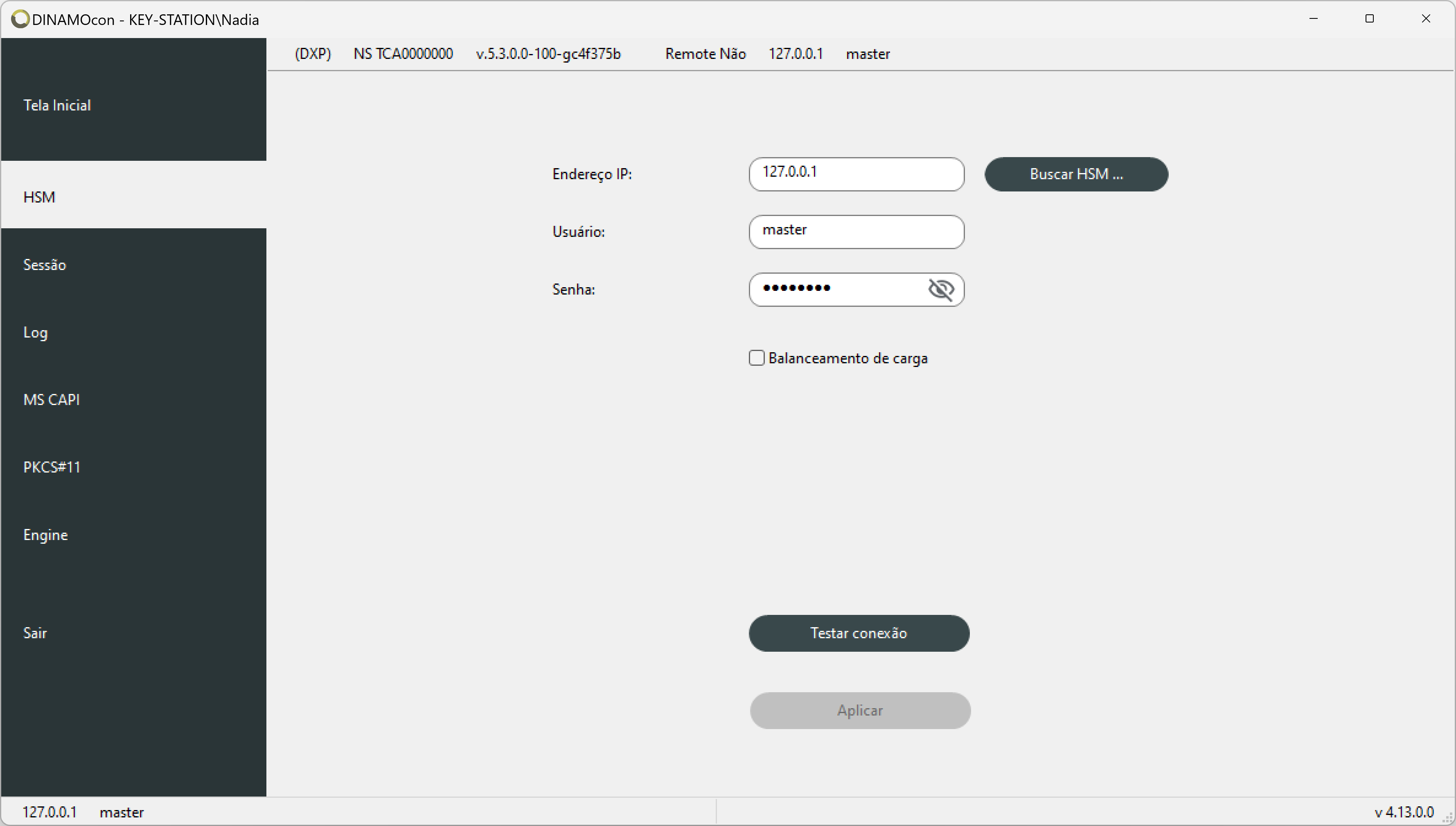
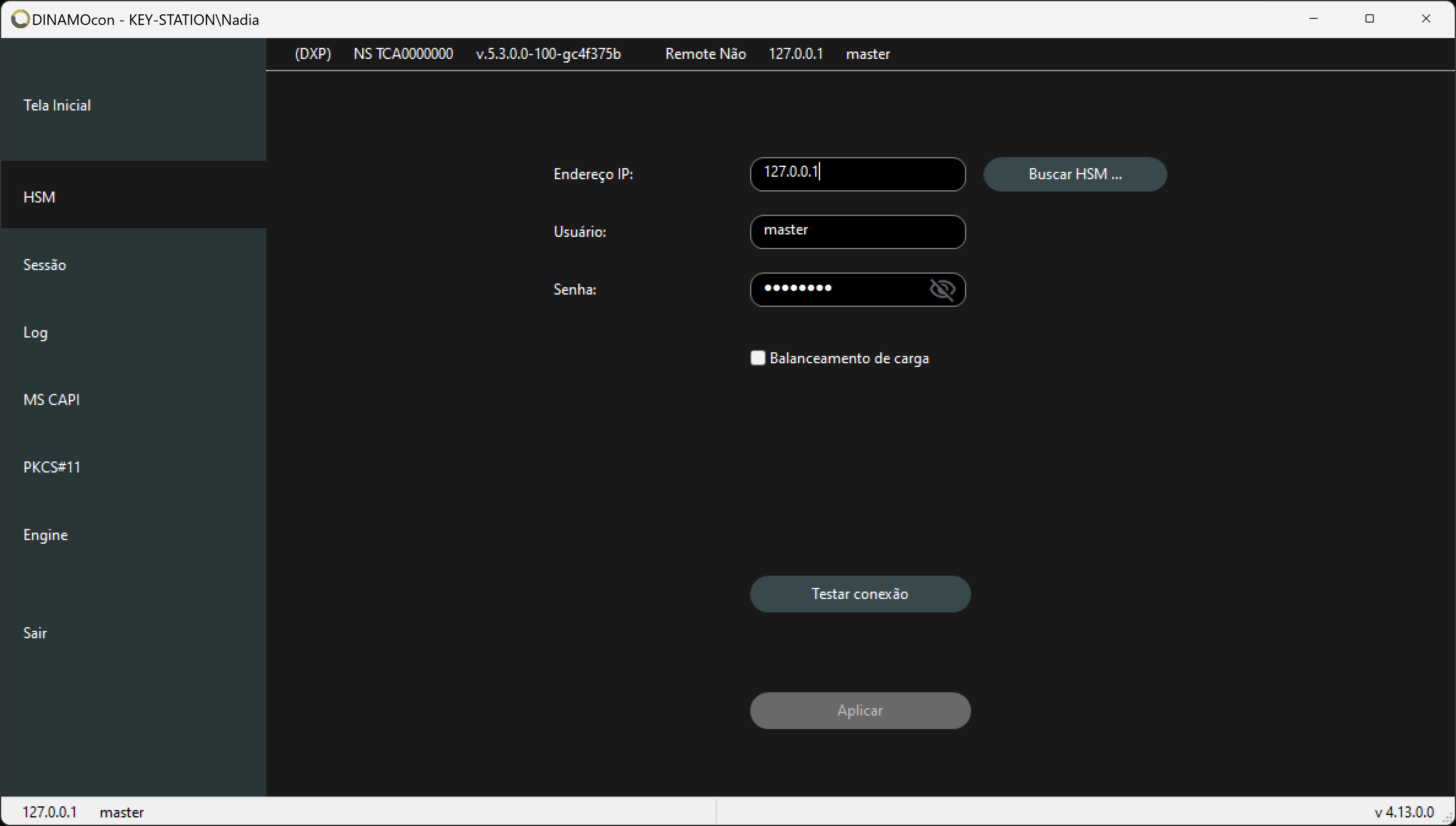
HSM tab -
Return to the home screen, click " Certificates " in the HSM, and then select the_Certificates_ tab. This action automatically begins creating the containers and associating the certificates.
If the certificate has not yet been installed, simply click on import and choose the certificate in PFX/P12 format.
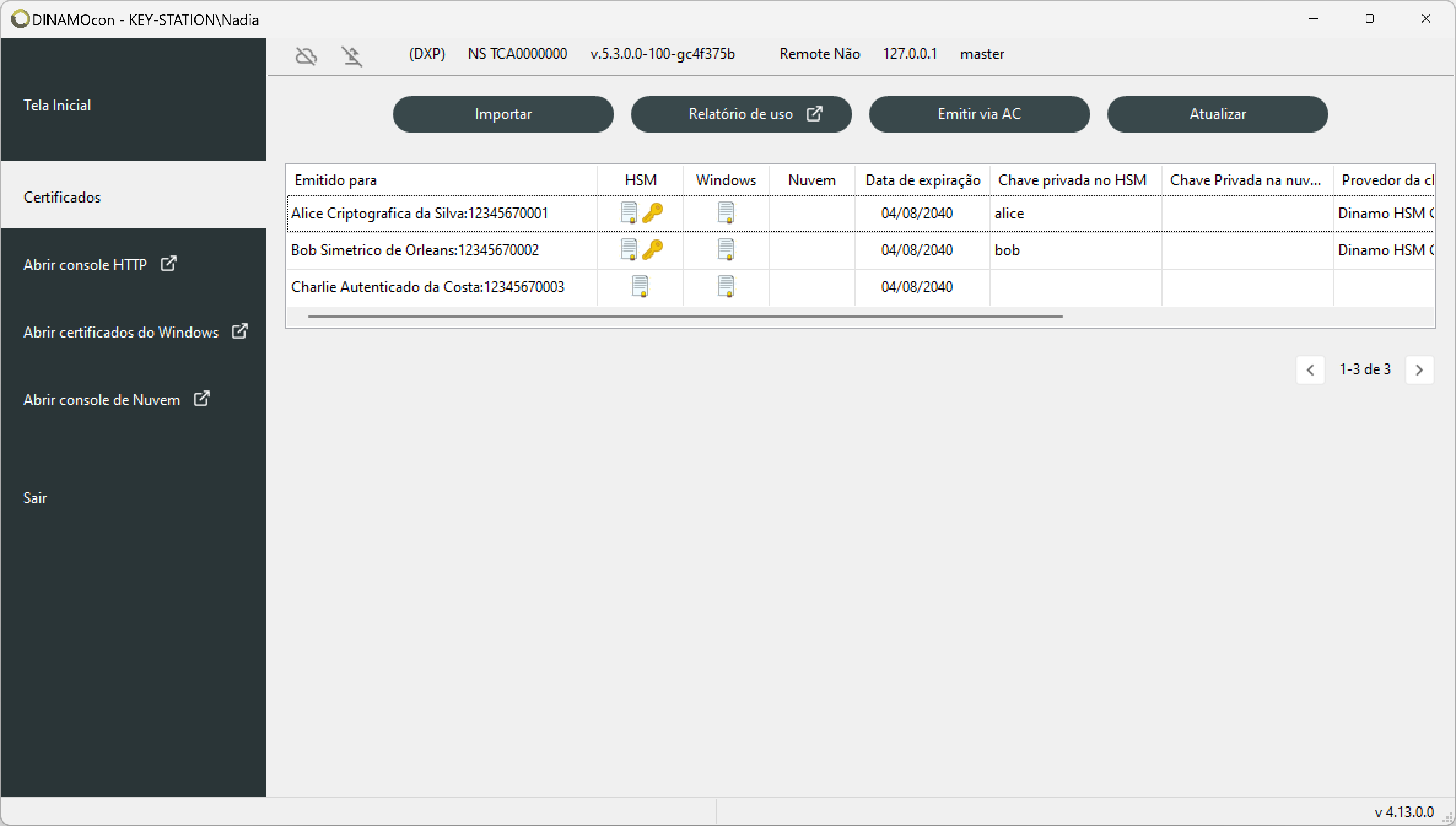
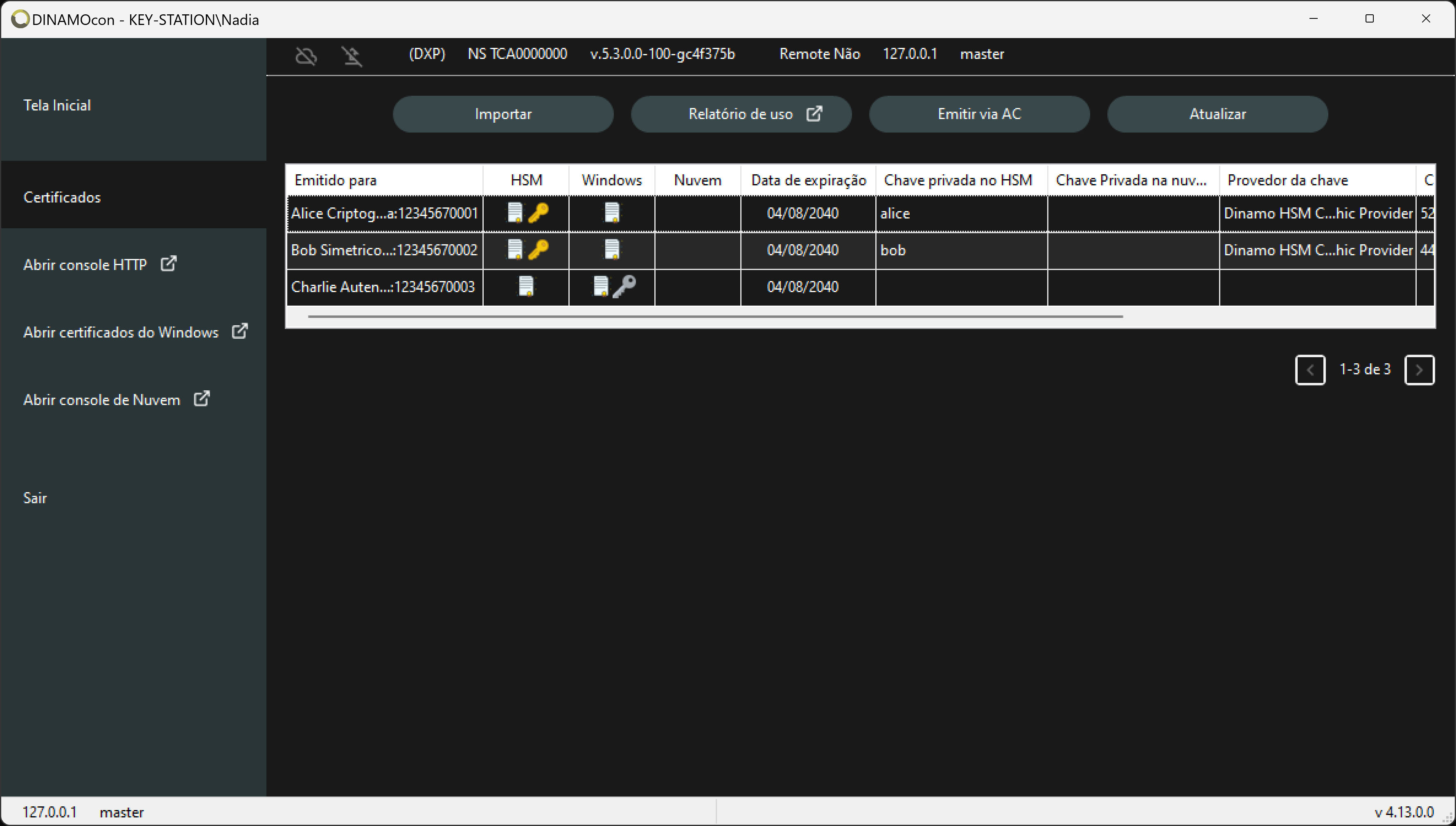
Table of certificates
Accessing e-CAC
-
To access the e-CAC enter the page and click on Entrar com gov.br.
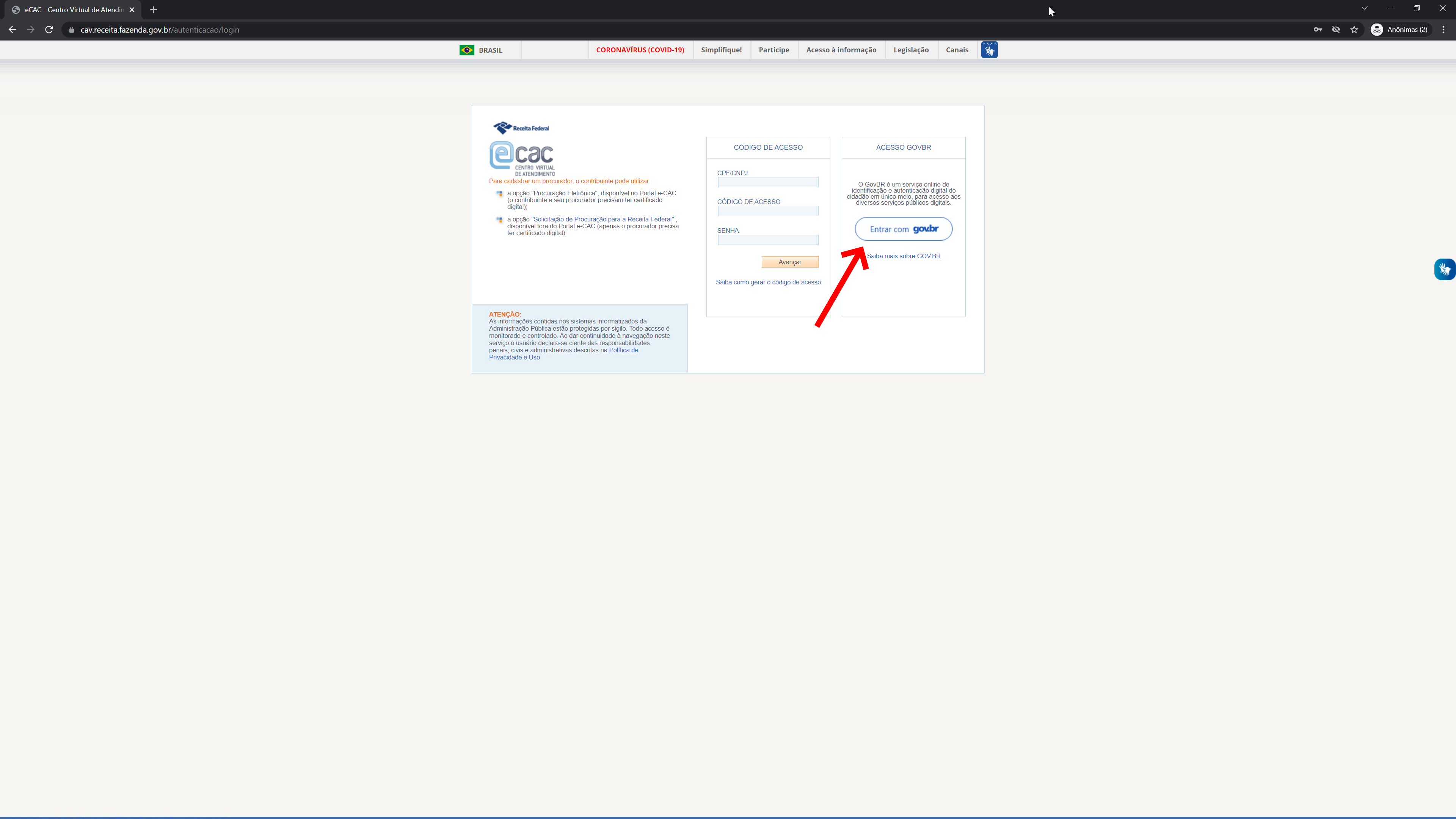
-
On the government access page, click on Your digital certificate.
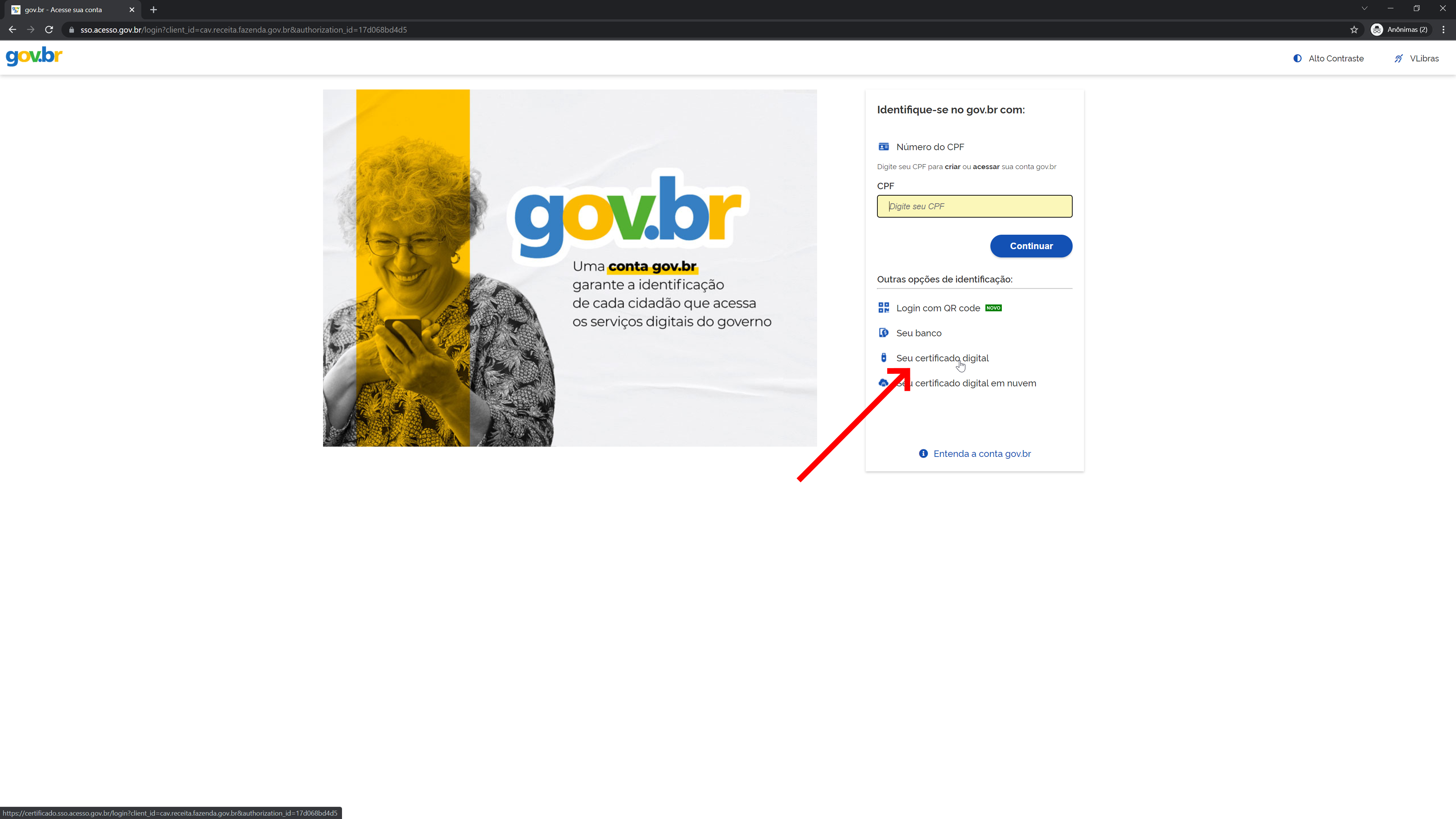
-
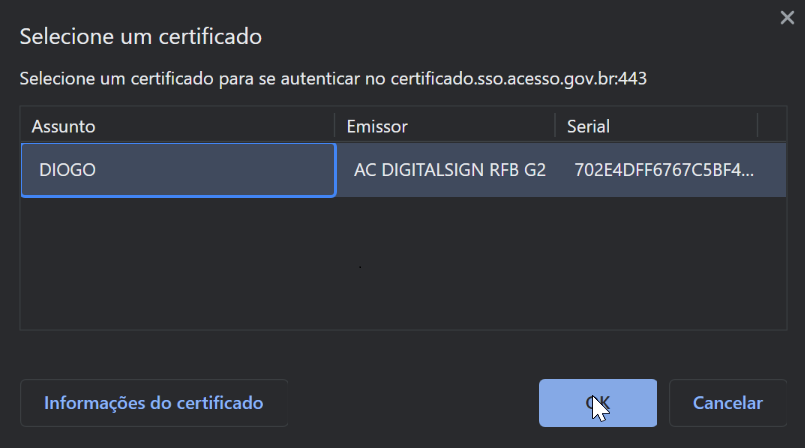
Choose the certificate and click OK.