Local Configuration
The environment configuration defines the parameters of the native library and the HSM integration libraries. These parameters are kept in system environment variables.
The configuration made via the graphical console is in the scope (profile) of the operating system user, and therefore valid and recognized only for applications running under the current user profile.
Warning
There is no need for an administrative profile or privilege escalation for the user to set or edit the environment configuration.
Sensitive information, such as password credentials and user IDs, is kept under the control of the Windows Credential Manager. There is no need to open the manager to edit credentials, but if you decide to do so, the procedure is:
-
To open it, type
credential managerin thetaskbar search box and select Credential Manager. -
Select the Windows Credentials tab. The credentials maintained by the console are in the Generic Credentials list and are prefixed with the string
dinamo_.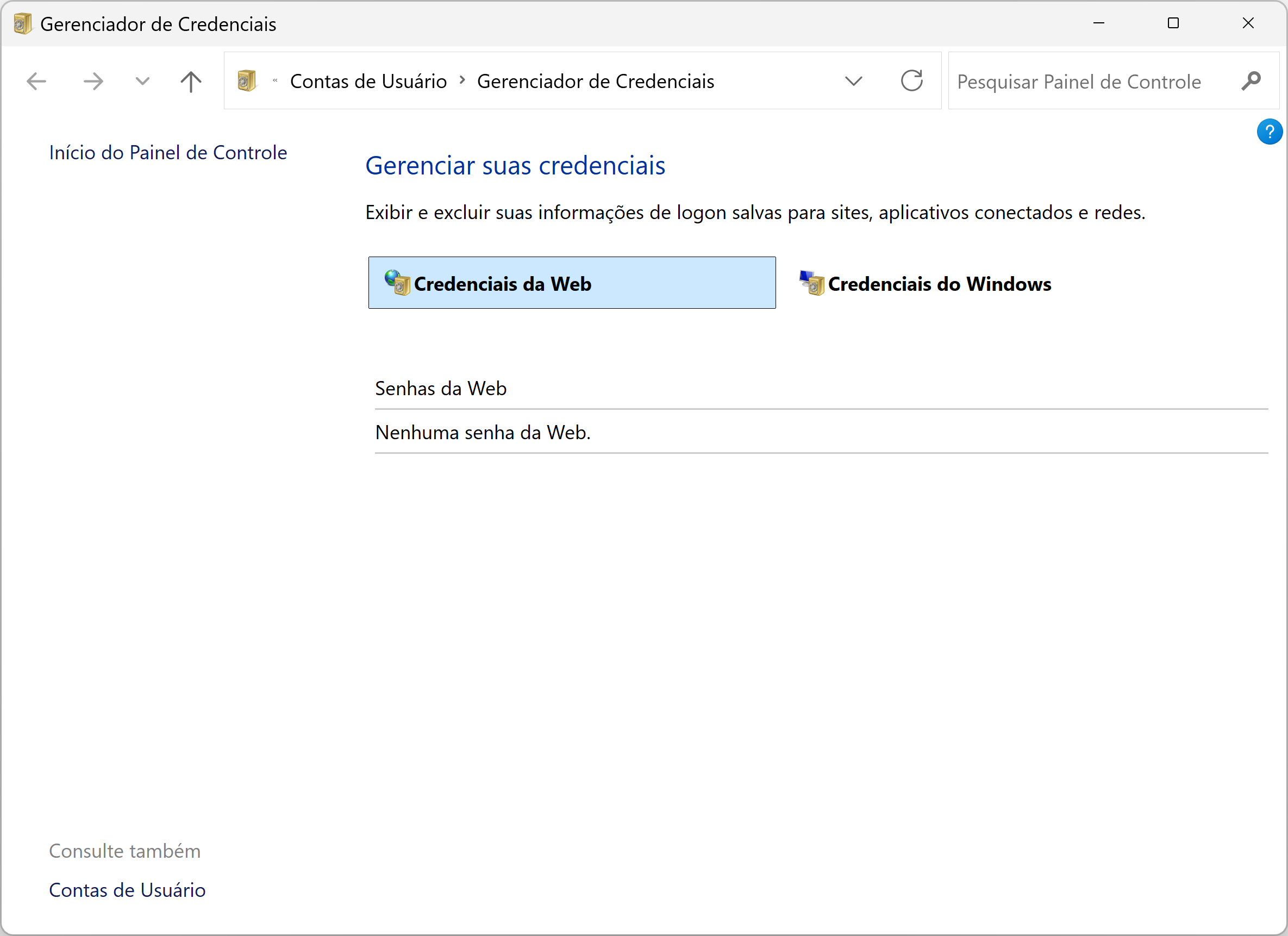
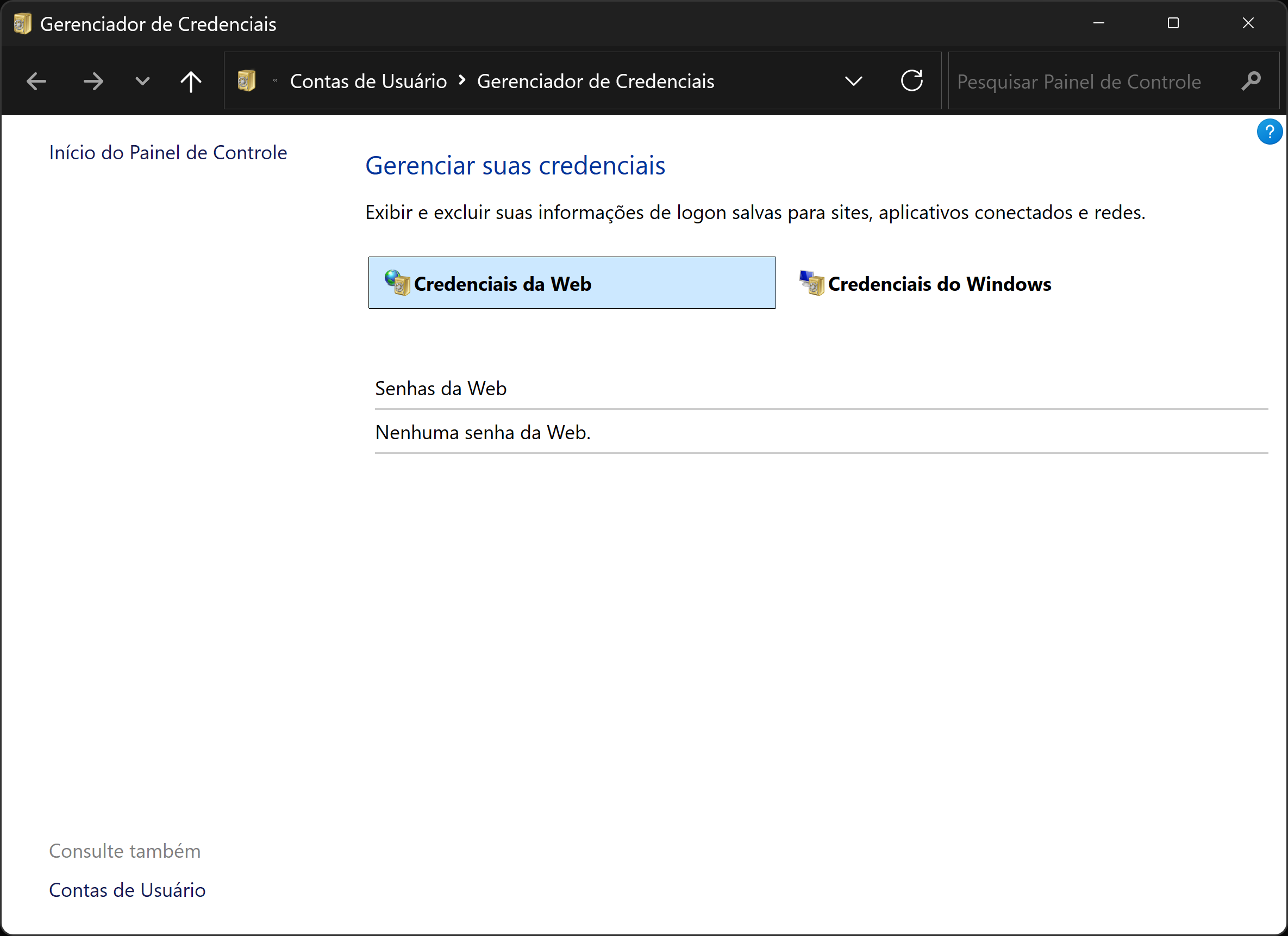
Windows Credential Manager
The environment configuration options are grouped into tabs:
The other options are direct actions:
- Initial Screen
- Exit
Once you have finished editing the configuration, click the Apply button before switching tabs.
HSM
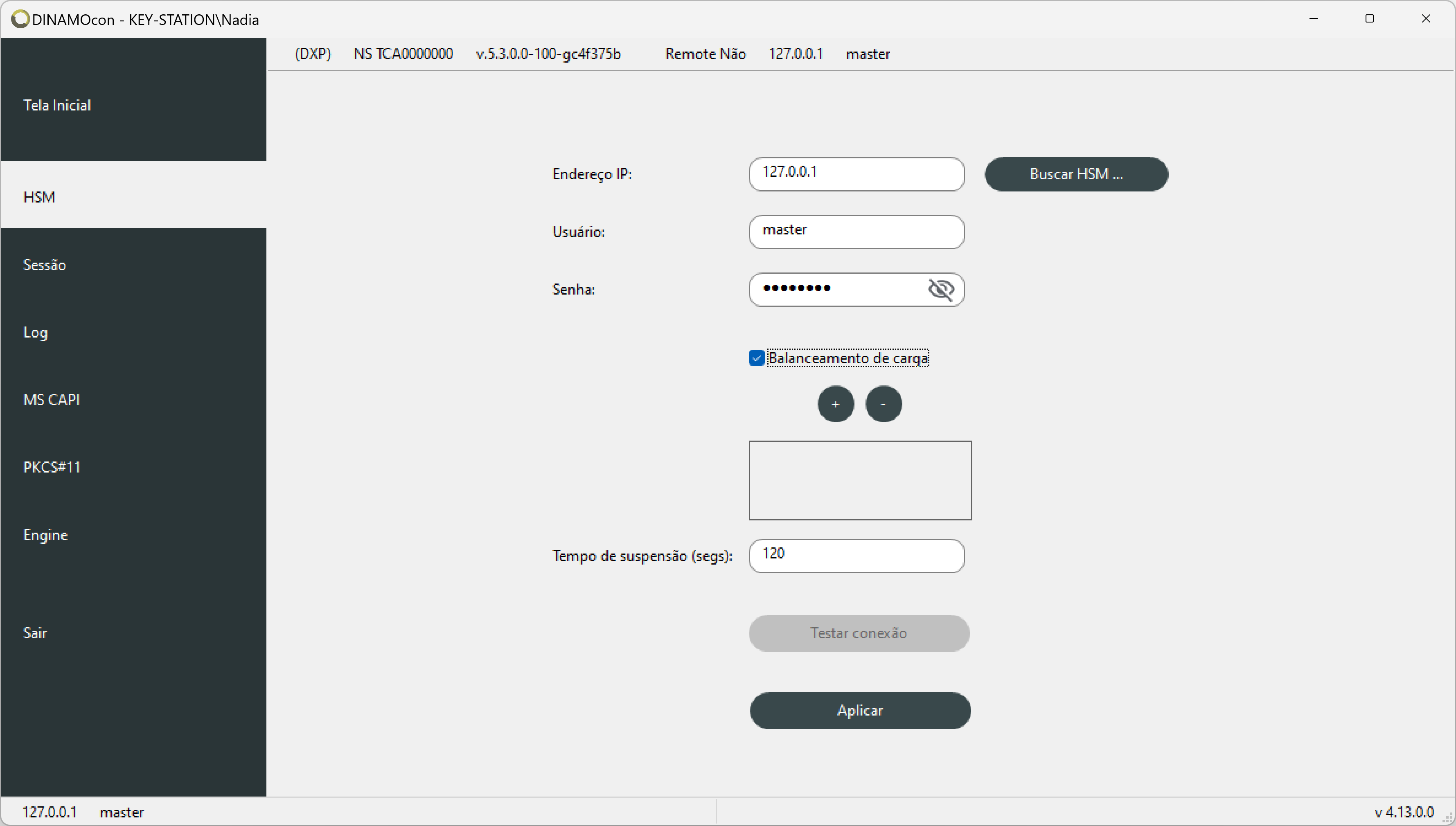
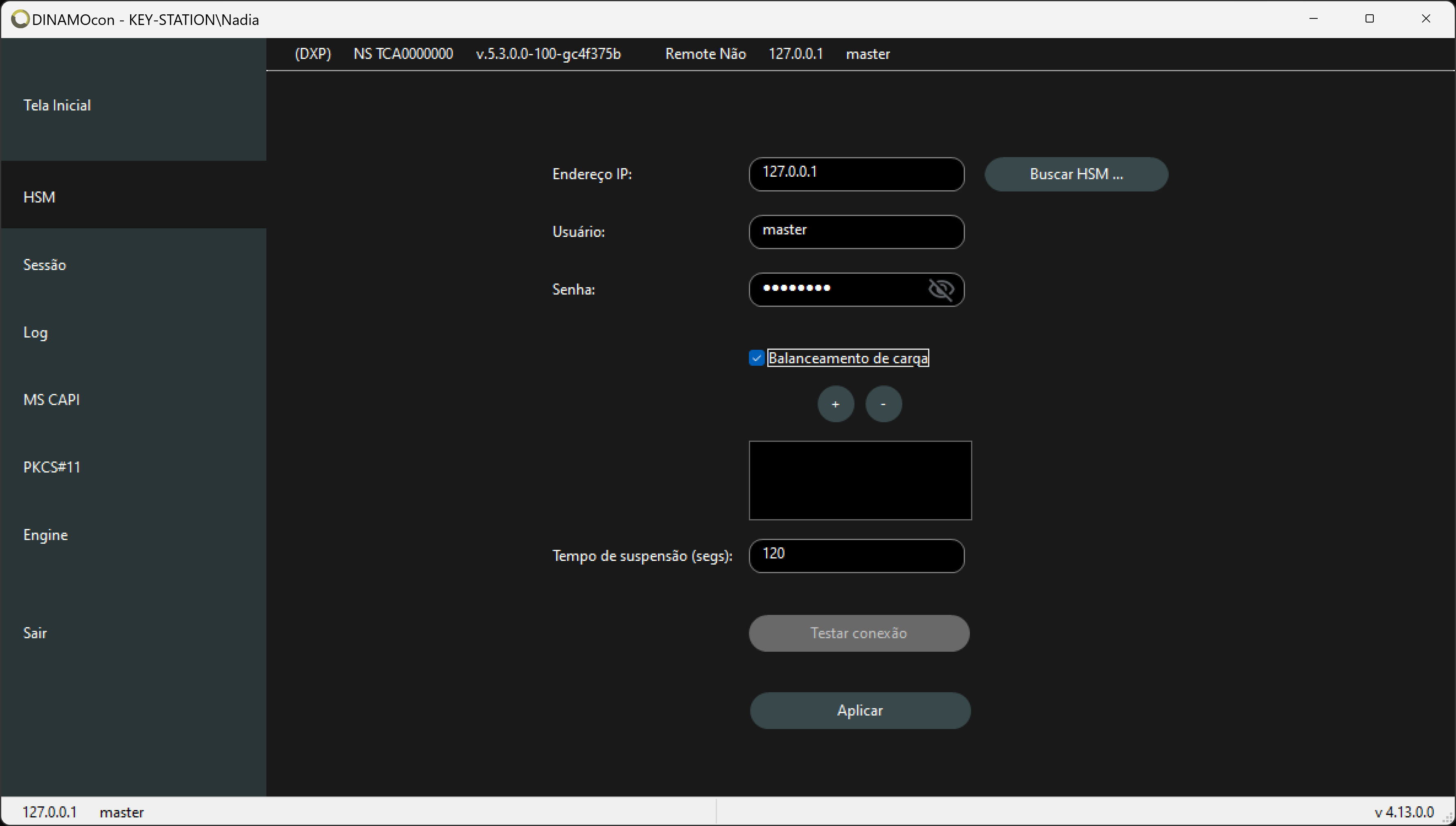
The HSM tab configures the IP address, user name and password credentials that will be used by the libraries (MS CAPI, PKCS#11, Engine, etc.) and also for managing the certificates; everything is always within the scope of the logged-in operating system user (indicated in the top bar of the console).
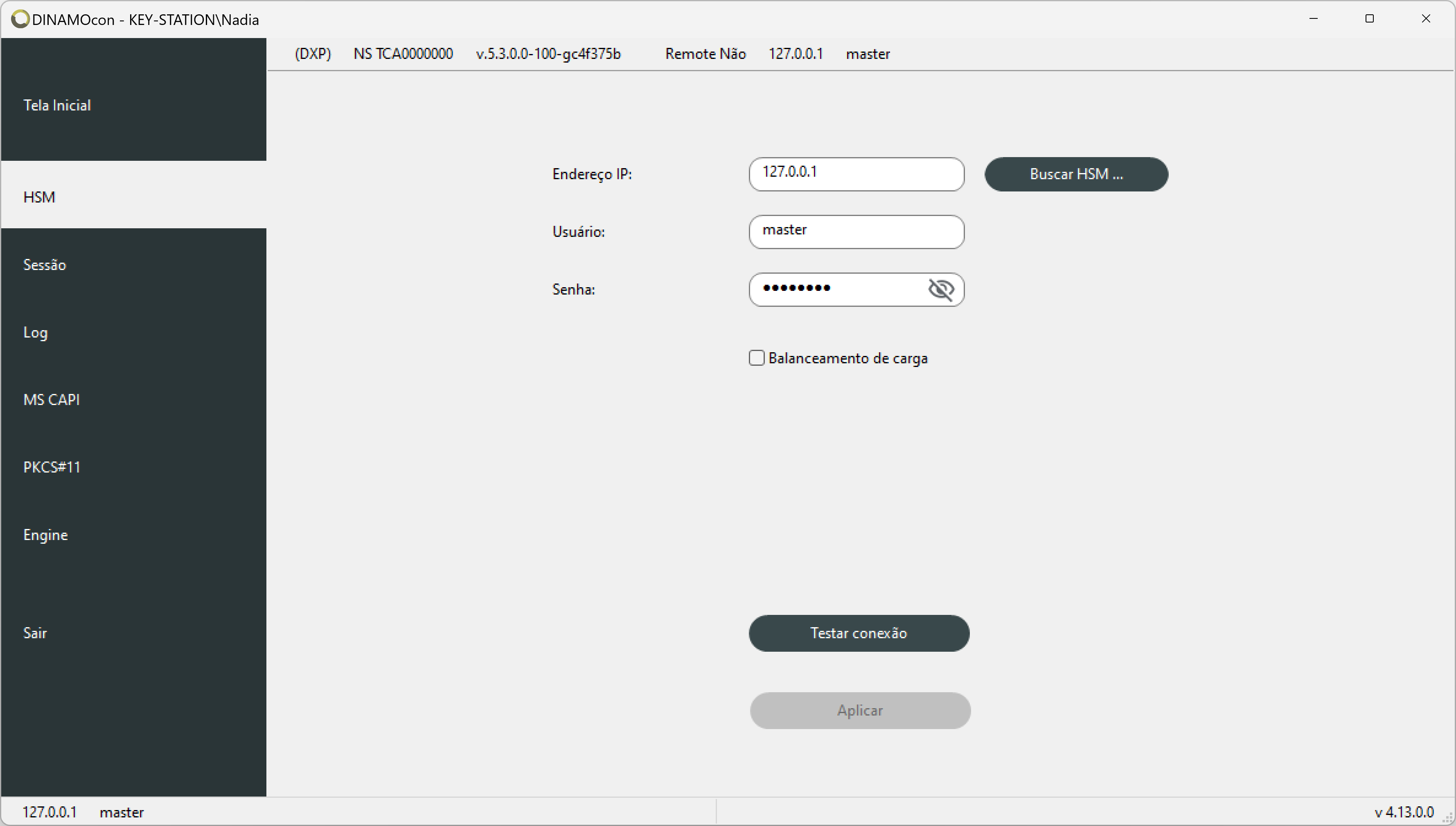
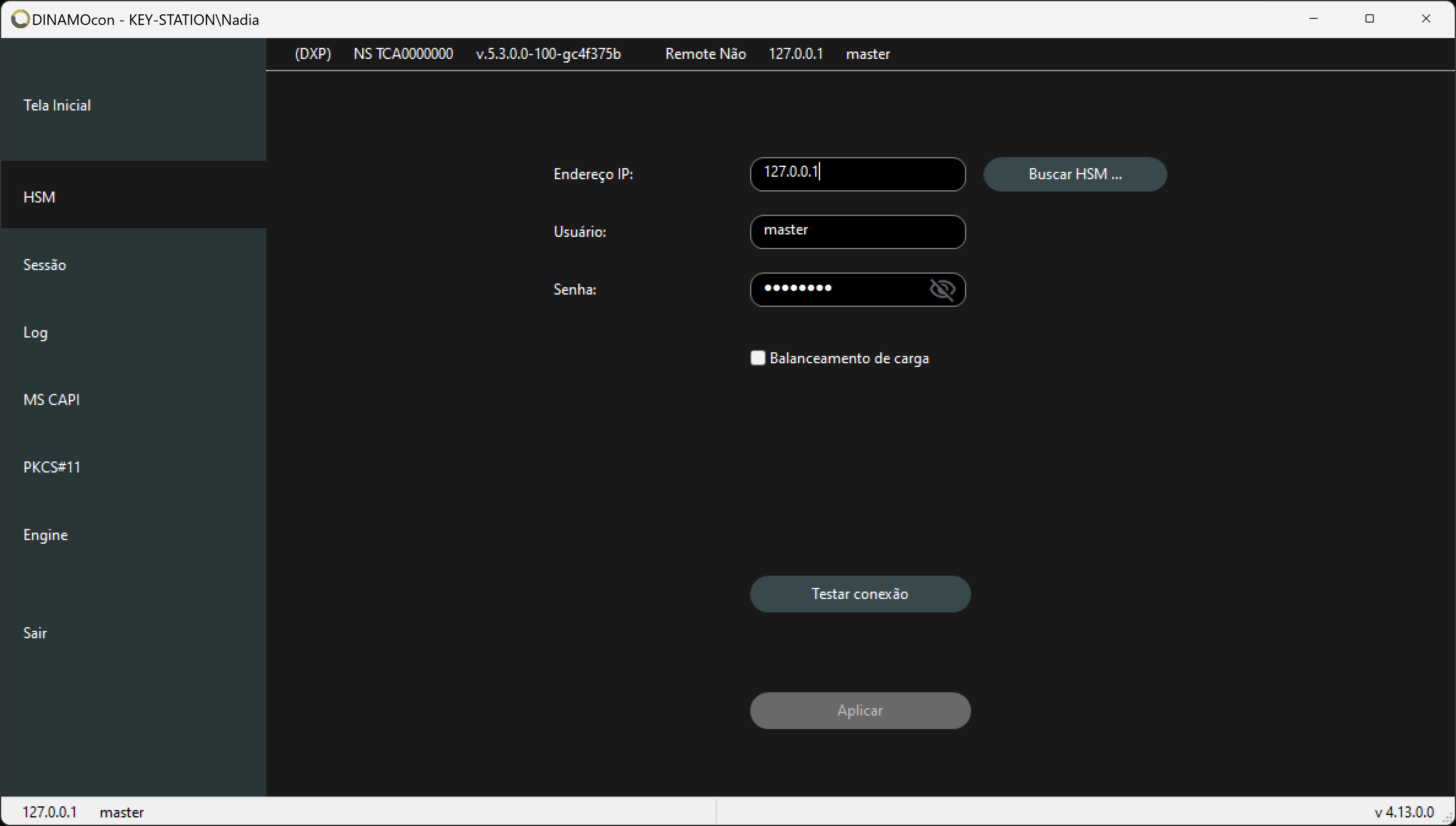
Load Balancing
The checkbox Load balancer checkbox enables and disables the library's load balancing system.
Dinamo has a load balancing mechanism, allowing greater availability of the environment and performance for applications. It is possible to have up to 16 (sixteen) HSM units in a load balancing system, with the same number of sessions on each device.
Warning
Load balancing is transparent to the application; once enabled in the environment, the application benefits without requiring any modifications.
It works on a round-robin basis, distributing connections circularly between the configured HSMs. The balancing unit is the session with the HSM, regardless of the load or APIs used in each session and also of the resource utilization rate. The HSM that will establish the session with the application is defined by the balancing structure and not by the application. The mechanism works per process, i.e. within each process it is its sessions that will be balanced; if two processes run at the same time, each will have a separate and independent balancing structure.
When this option is enabled, the IP address of the HSM where the session will be opened is read from the balancing list, and the IP address provided via the API is ignored.
Info
In the list of IP addresses indicate the HSMs that will be part of the balancing, use the + and - buttons to add and remove entries in the list.
See Load Balancing for more details.
Suspension Time
This is the suspension time (in seconds) in load balancing (LB), representing the period during which the library will remove a problematic address from the load balancing list.
During library operation with load balancing, it may occur that one or more of the addresses specified in the list fail to establish a session with the application. In such a case, the library will temporarily remove the problematic address from the load balancing list and will attempt a new connection after this period expires.
Session
Session Cache
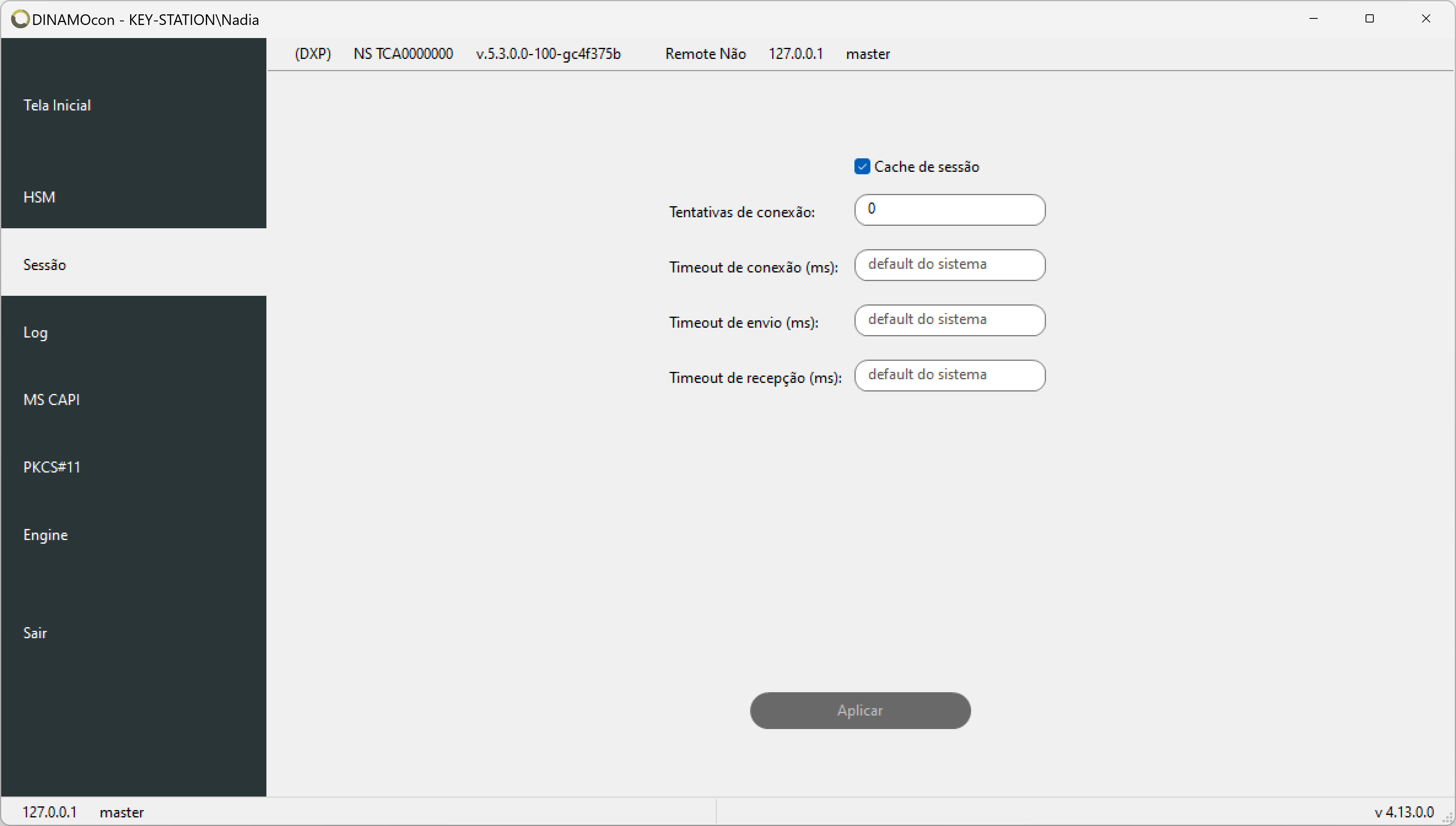
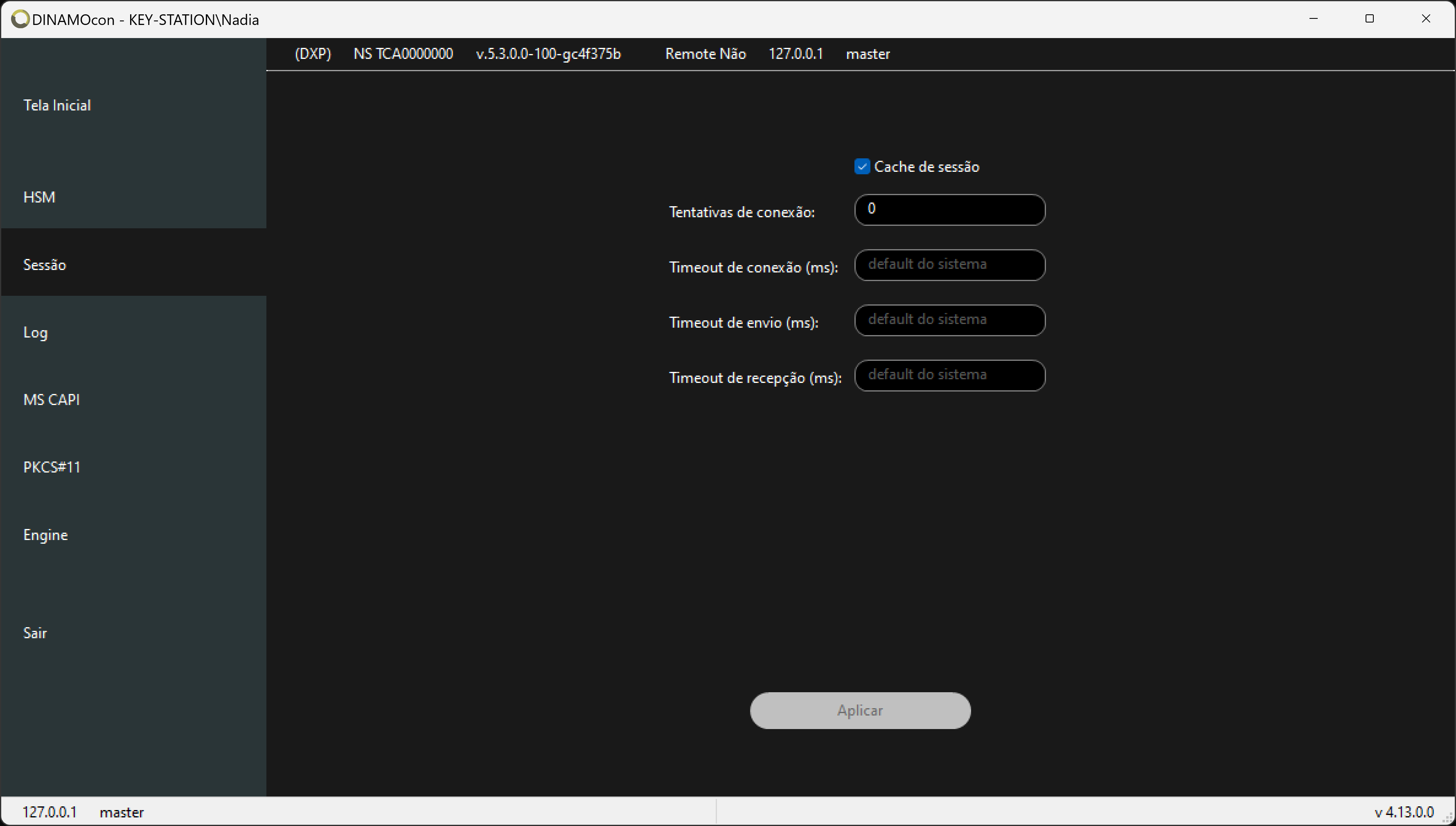
The checkbox Session cache checkbox enables and disables the library's session caching system. For more details on how the cache works, see the topic Session Cache.
Connection
Connection Attempts
Sets the number of retries to establish a connection with the HSM if the first attempt fails for some reason. The default value is 3.
Send Timeout
Within an established session, this defines the maximum time (in milliseconds) the library will wait for an acknowledgment response before determining that the transmission failed and an error condition should be reported to the application.
An undefined value means working with the default timeout used in the operating system's TCP/IP protocol stack. Consult your specific operating system documentation for details on this value.
Receive Timeout
Within an established session, this defines the maximum time (in milliseconds) the library will wait for a response to a request before determining that the communication failed and an error condition should be reported to the application.
An undefined value means working with the default timeout used in the operating system's TCP/IP protocol stack. Consult your specific operating system documentation for details on this value.
Log
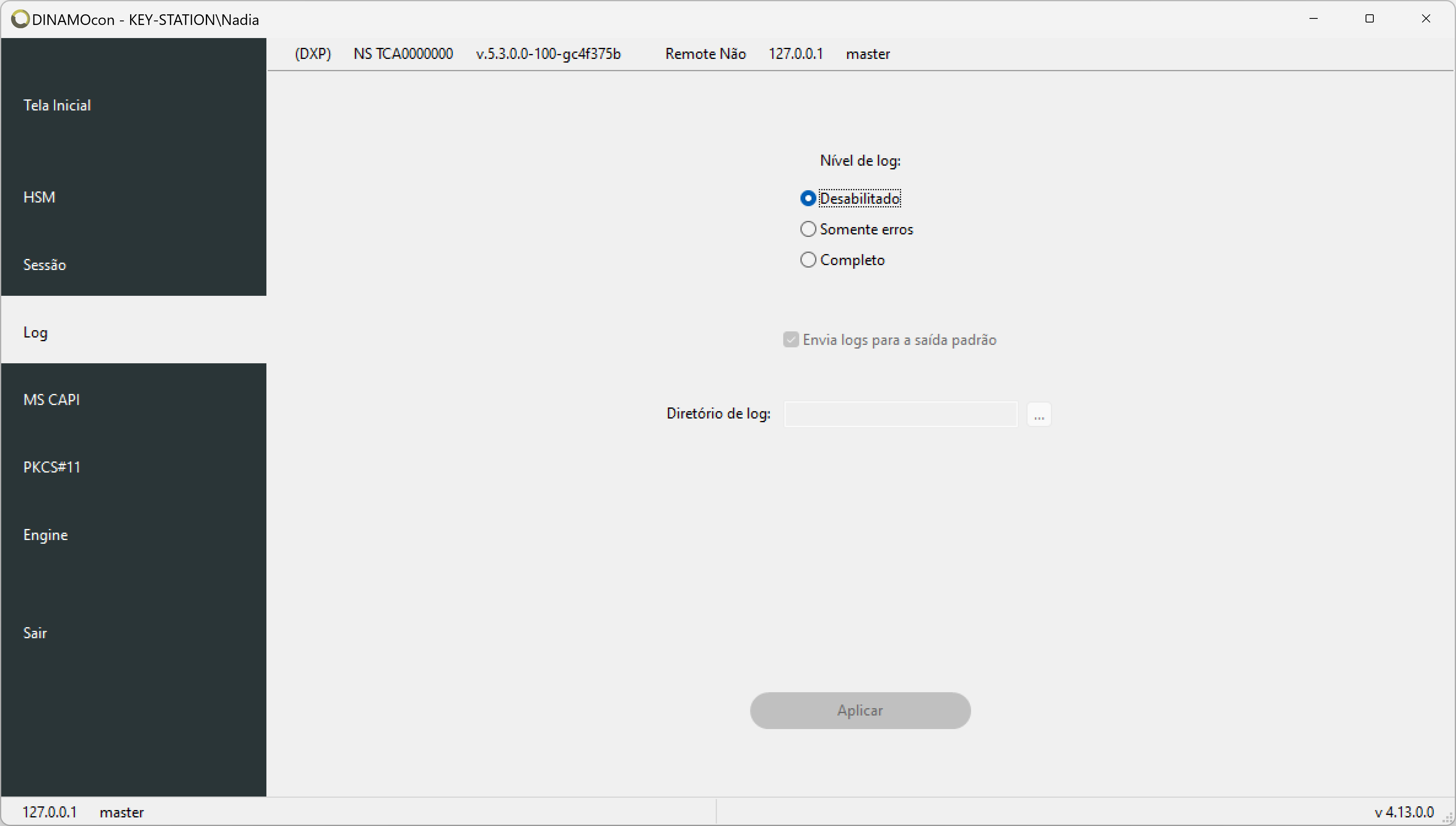
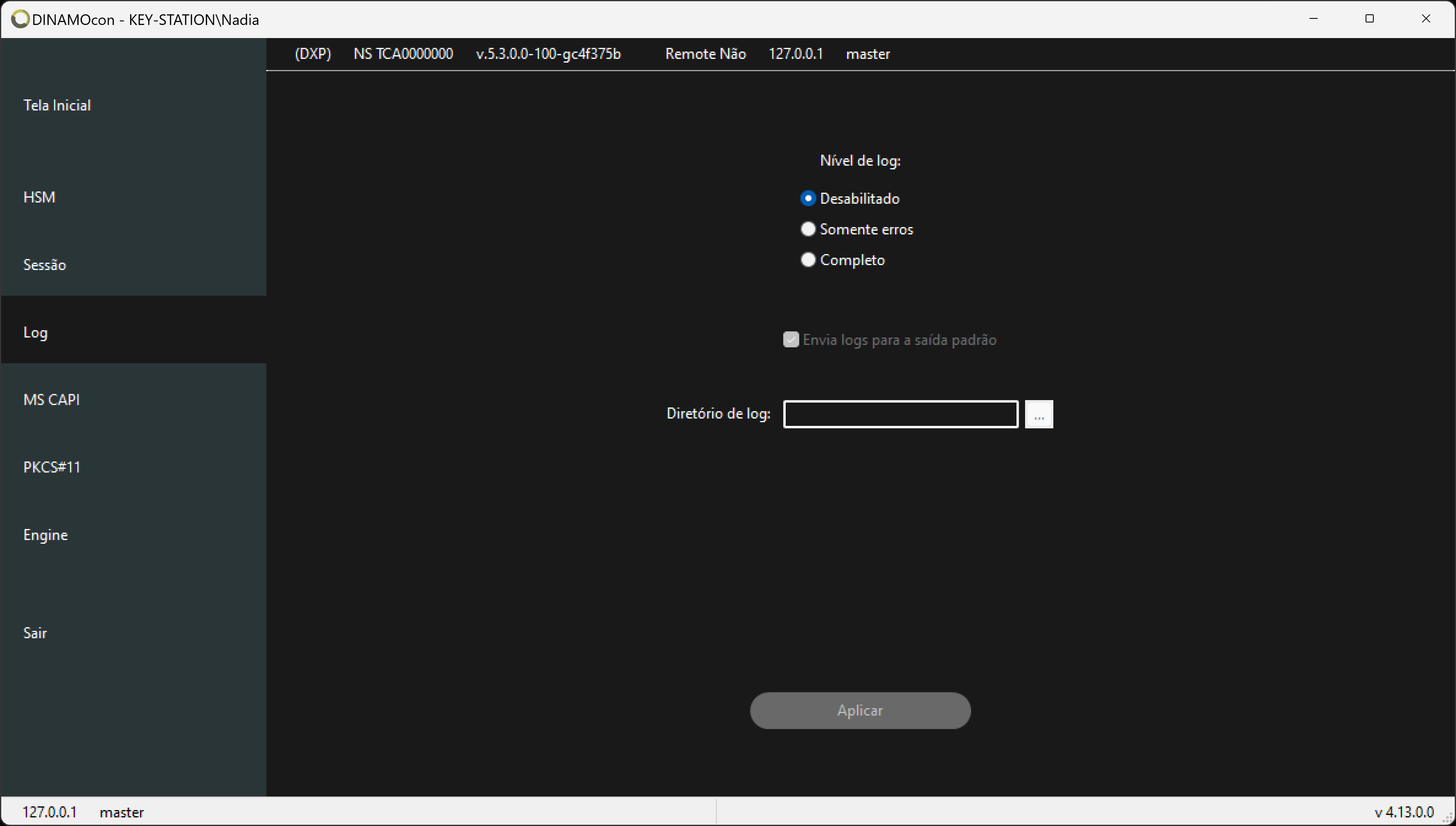
The log configuration set in the Log tab is used by all libraries (native, MS CAPI, PKCS#11 and JCA).
Global Log Level
The system has the following log levels:
- Errors only
- Debug
- Disabled
The level of information logged to a file increases starting from level 1. At the Disabled level, no file logs are generated.
During normal application operation, the log is usually disabled or set to the Error Only level, as the files generated can be quite large and have a negative impact on performance. Increase the log level when you need to generate more information for debugging problems or as an aid for support staff.
Standard Output
This option causes the logs to be sent to the system's standard output(stdout).
Warning
This is the recommended option for use in environments with containerized applications.
Global log directory
Os arquivo de log são gerados individualmente para cada processo que carrega a biblioteca; cada processo gera um arquivo de log que tem a identificação do processo (Process ID ou PID) no nome do arquivo. Por exemplo, para um nome arquivo de log tacndlib.log os arquivos gerados seriam da forma tacndlib_<PID>.log, como por exemplo tacndlib_3456.log, tacndlib_5947.log, etc.
Define a folder for storing the library log files. Applications must have write permissions to the selected folder.
MS CAPI
See the MS Crypto API topic for configuration details of the MS CAPI library.
PKCS#11
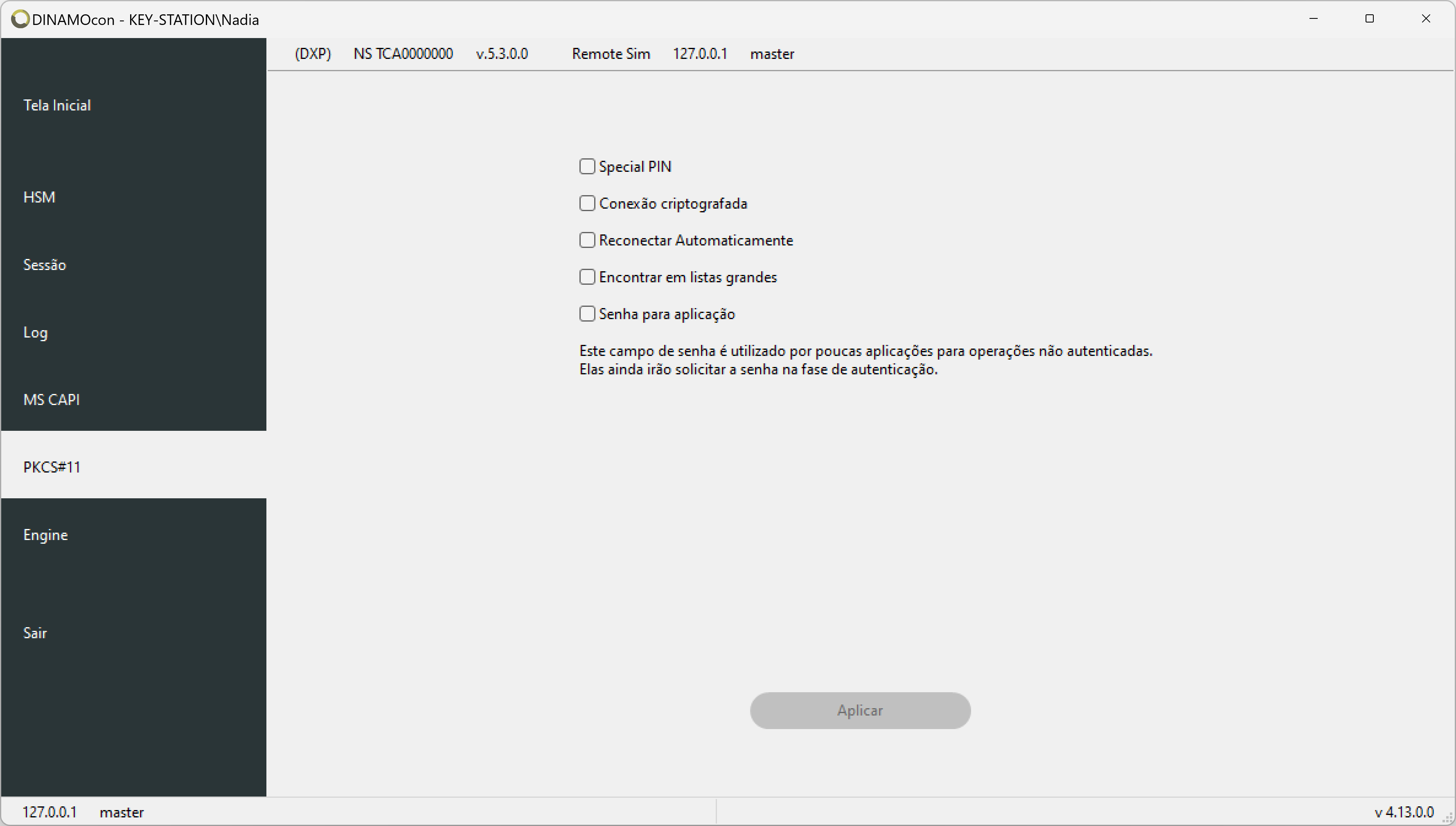
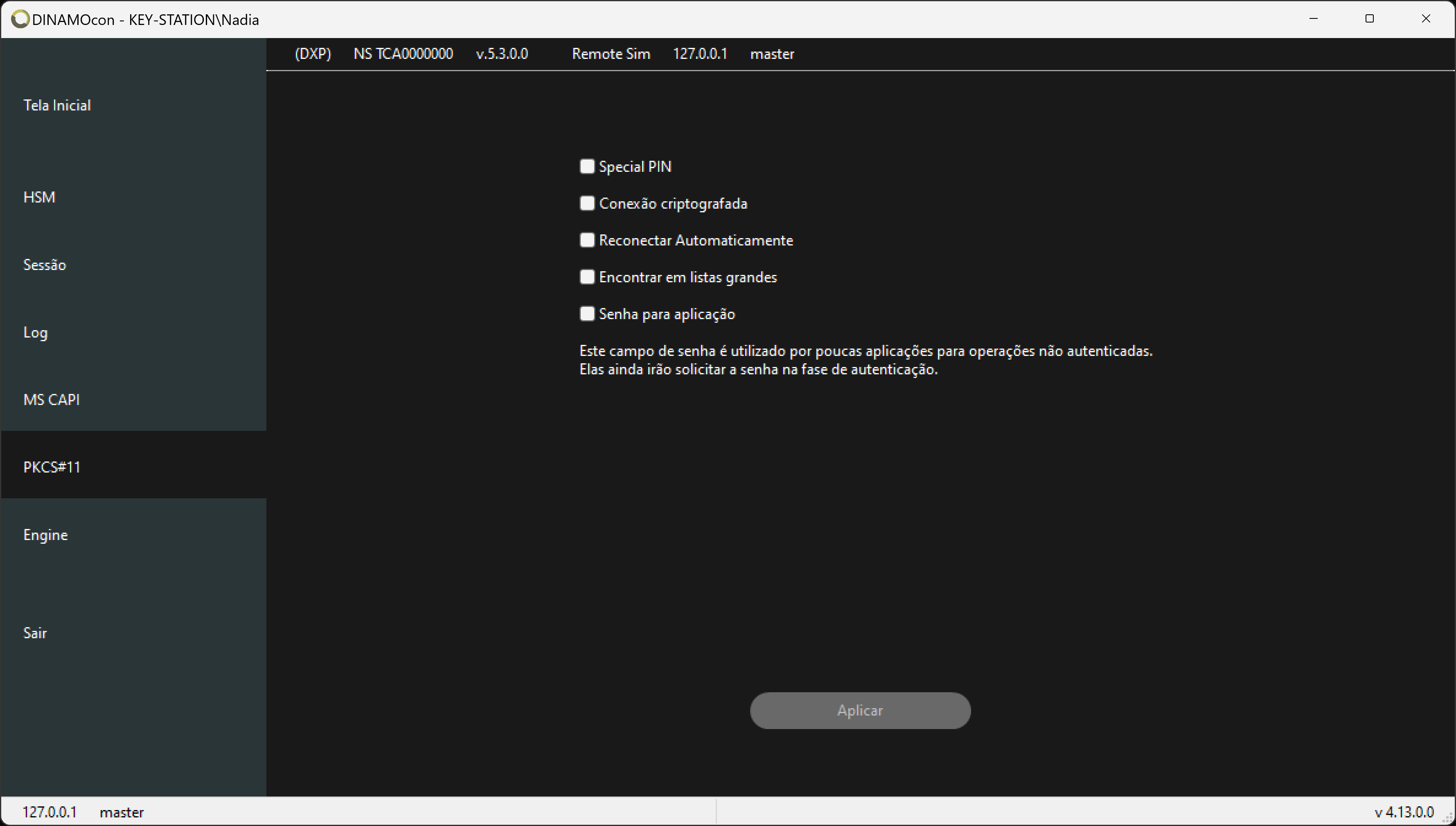
See topic PKCS#11 for configuration details of the PKCS#11 library.
Engine
See the Engine OpenSSL topic for configuration details of the Engine OpenSSL library.
Configuration Scope
Using the Dinamocon console (or by defining environment variables in the user profile), the scope of parameters is always per user.
See the topic System accounts for more details and alternatives for system scope definitions.